Windows Flutter开发环境安装记录
 pings
pings
1396 阅读 0 评论 2023-06-20 11:20:19
flutter官网下载其最新可用的压缩包文件,下载地址:https://flutter.dev/docs/development/tools/sdk/releases
解压文件
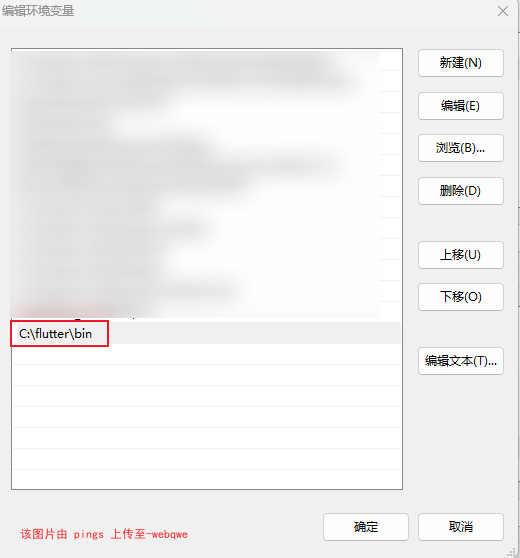
设置系统环境变量,添加Path
命令行中运行如下命令来查看是否还需要安装其他依赖,如果需要,安装:
flutter doctor提示无法访问 https://github.com/flutter/flutter.git/
flutter doctor
Command exited with code 128: git fetch --tags
Standard error: fatal: unable to access 'https://github.com/flutter/flutter.git/': OpenSSL SSL_read: Connection was
reset, errno 10054
由于在国内访问Flutter有时可能会受到限制,Flutter官方为中国开发者搭建了临时镜像,大家可以将如下环境变量添加到到用户环境变量中:
注意: 此镜像为临时镜像,并不能保证一直可用,读者可以参考https://flutter.dev/community/china 以获得有关镜像服务器的最新动态。
set PUB_HOSTED_URL=https://pub.flutter-io.cn
set FLUTTER_STORAGE_BASE_URL=https://storage.flutter-io.cn
再次执行
flutter doctor
Flutter assets will be downloaded from https://storage.flutter-io.cn. Make sure you trust this source!
Doctor summary (to see all details, run flutter doctor -v):
[√] Flutter (Channel stable, 3.10.5, on Microsoft Windows [版本 10.0.22621.1848], locale zh-CN)
[√] Windows Version (Installed version of Windows is version 10 or higher)
[X] Android toolchain - develop for Android devices
    X Unable to locate Android SDK.
      Install Android Studio from: https://developer.android.com/studio/index.html
      On first launch it will assist you in installing the Android SDK components.
      (or visit https://flutter.dev/docs/get-started/install/windows#android-setup for detailed instructions).
      If the Android SDK has been installed to a custom location, please use
      `flutter config --android-sdk` to update to that location.

[√] Chrome - develop for the web
[X] Visual Studio - develop for Windows
    X Visual Studio not installed; this is necessary for Windows development.
      Download at https://visualstudio.microsoft.com/downloads/.
      Please install the "Desktop development with C++" workload, including all of its default components
[!] Android Studio (not installed)
[√] IntelliJ IDEA Ultimate Edition (version 2022.3)
[√] VS Code (version 1.79.2)
[√] Connected device (3 available)
[√] Network resources

! Doctor found issues in 3 categories.
安装Android Studio和Android 工具链
下载页面: https://developer.android.com/studio/index.html
注意关闭代理。开启代理反而下载不了......
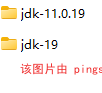
Unable to locate Android SDK. //原因 找不到安装 sdkflutter config --android-sdk E:\DevKits\Android\Sdk //设置安卓sdk位置flutter doctor --android-licenses //Android 同意使用协议什么 java jdk版本太高问题。原来安装java jdk 19,改到java jdk11 就好了。记录一下
巴拉拉巴拉,反正安装过程一堆错误就没记录,真的是烦死人。
反正就是有什么错误就去搜索就行了,一步一步解决总能解决。
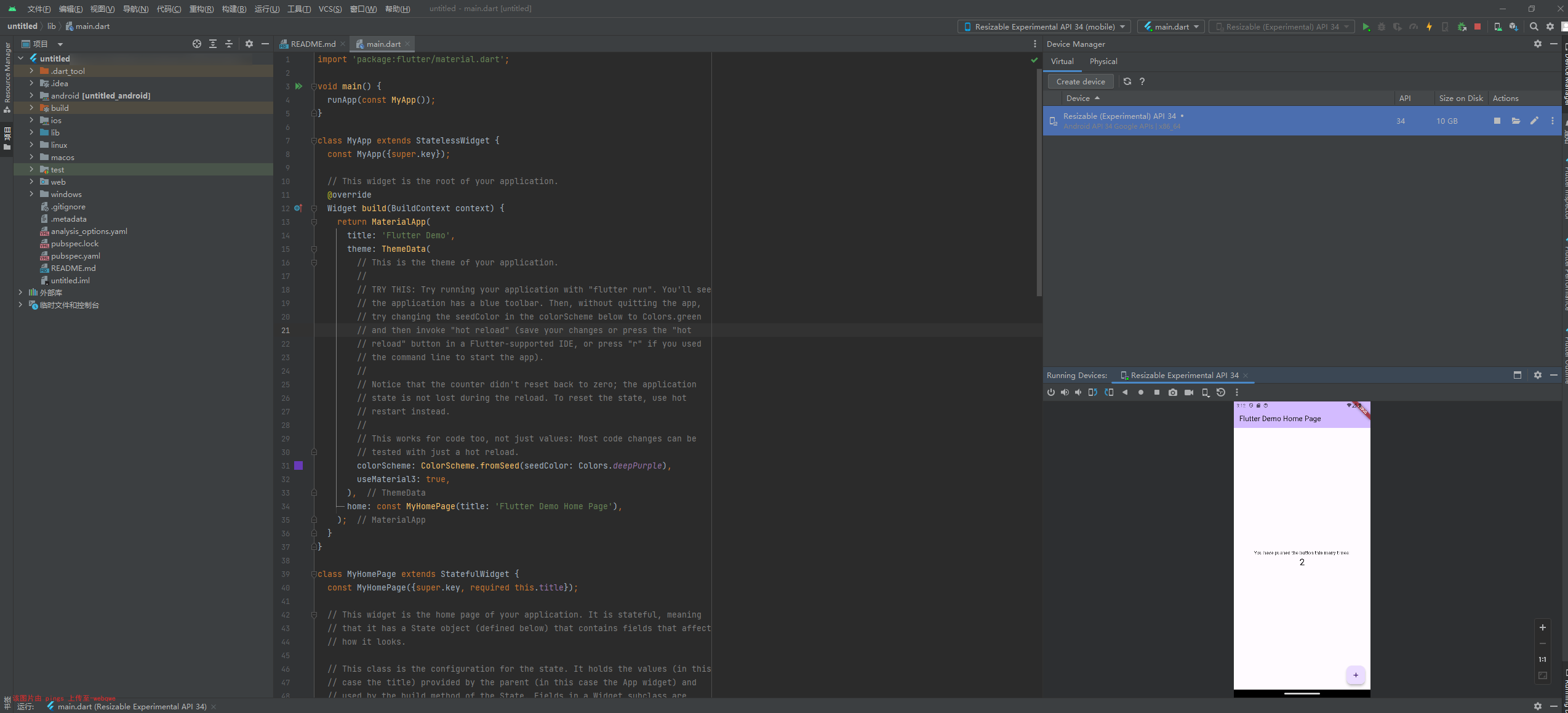
最后还是顺利的跑通了demo,跨出第一步就好,接下来慢慢看文档完事~